Fueling Autonomous Threat Hunts with CTI: Part 1 - Methodology
- 8 mins
Intro
Last blog post, I shared how I am leveraging CTI to fuel autonomous hunts based on TTPs around a specific threat actor. In this blog post, I wanted to take a step back and explain exactly what autonomous threat hunting actually is, how it works, the benefits, and why every CTI/threat hunting team should be exploring this approach in some capacity. This will be the first of a series of blog posts where I will be sharing insights and research from my project on CTI backed autonomous hunts, so stay tuned for more in the coming weeks!
Callout: AI Slop? 😭 Addmittedly, I understand people (myself at times included) get tired of the constant chatter around AI. So much is being peddled as “AI-powered” or “AI-driven”, and it can be hard to separate the noise/slop from actual, practial uses cases. I want to emphasize that everything I am discussing here can produce measureable results, can save time, and most importantly help protect real systems, real systems, and real people.
The ultimate goal is getting to an answer faster - how many times have you been asked, “are we affected by this?”
What is Autonomous Threat Hunting?
To put it simply, Autonomous Threat Hunting (ATH) is the combination of AI and automation to proactively search and hunt for threats in an organization’s environment, continiously and independently. Think of it as a “set it and forget it” approach to threat hunting, where you can leverage AI to continuously analyze data, identify patterns, and generate actionable insights. There are a number of vendors entering this space (see below) and by no means is this an ad or vouch for any specific product (our internal threat hunting system was built in house) but they offer more details on what ATH is and how it works:
- Recorded Future Autonomous Threat Operations
- Dropzone AI Threat Hunting Agent
- Panther Autonomous Threat Hunting
I truly believe that having this capability is going to be a game changer for organizations, especially those with limited resources (e.g. small teams). The ability to couple CTI with a tool that can automatically generate and execute hunts based on TTPs, IOCs, emerging campaigns, and other relevant intel is going to be a force multiplier for any team. It allows you to be more proactive in your approach to threat hunting, and can help you identify and mitigate threats before they can cause significant damage (looking at you supply chain attacks). With the basics of ATH down, lets dive into how to pair it with CTI.
CTI 🤝 Autonomous Threat Hunting
In the early days buidling out the ATH Agent at my day job, all the threat hunts being invoked were manual - aka I or someone from my team would read a report/blog article or dump IOCs, and invoke the ATH Agent to go look for those specific IOCs or TTPs. This was a good start, and still is for some cases (e.g. security walk-ins) but it still required a lot of manual effort and was not fully leveraging the power of the ATH Agent. So I started to explore how we could leverage CTI to automatically fuel the ATH Agent, starting with supply chain attacks, for obvious reasons.
Supply Chain Attacks as a Use Case
If im being candid, I was sick and tired of having to keep up with the latest npm/TeamPCP/pypi/etc supply chain attacks. It felt like every day there was a new campaign or compromise, and having to answer the question, “are we affected by this?” was becoming a full time job in and of itself. So I decided to use supply chain attacks as a use case for leveraging CTI to fuel the ATH Agent. The idea was to have the ATH Agent automatically ingest CTI reports, RSS feeds, Twitter feeds, and other relevant sources to extract TTPs, IOCs, and other relevant information related to supply chain attacks, and then automatically generate and execute hunts based on that information.
This way, we could be more proactive in our approach to identifying potential supply chain compromises in our environment, without having to rely on manual effort to keep up with the latest campaigns. For v1, lets look at Socket.dev, which is a great resource for emerging supply chain attacks. Socket.dev has a public facing RSS feed that provides updates on the latest supply chain attacks. We can leverage this feed to automatically fuel our ATH Agent, and have it generate and execute hunts based on the information in the feed.
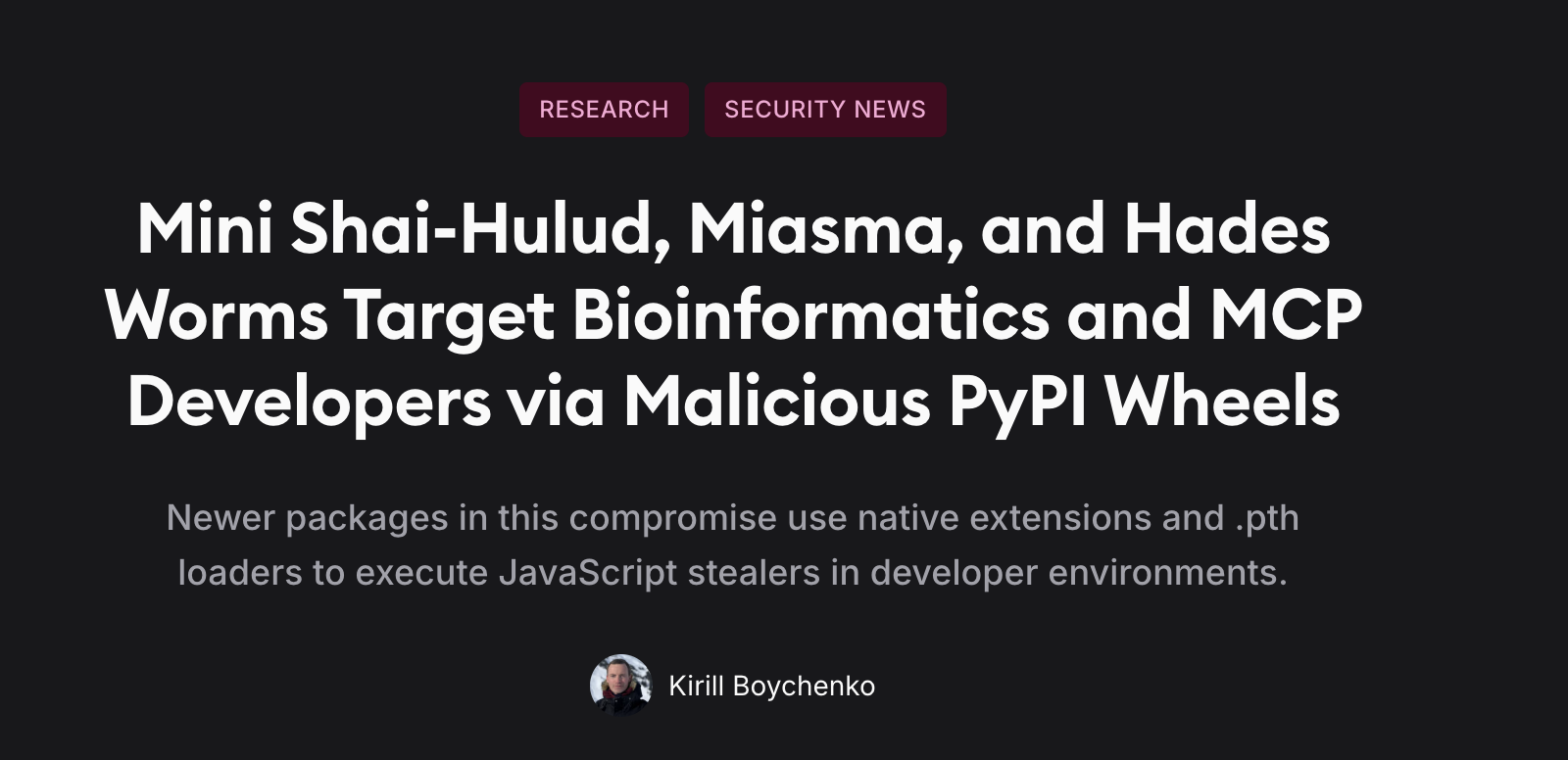 Socket.dev blog post
Methodology:
1) Cron schedule: schedule the ATH Agent to check the Socket.dev RSS feed every 15 mins for new supply chain attack reports.
2) Data Ingestion: when a new report is published on the Socket.dev RSS feed, the ATH Agent automatically ingests the report and extracts relevant information such as TTPs, IOCs, affected packages/libraries, and other relevant details.
3) Hunt Generation: based on the extracted information, the ATH Agent automatically generates a hunt query to look for the affected packages/libraries in our environment. I strongly recommend structuring your hunt query with a strong Hunt Hypothesis to ensure you are getting the most out of your hunts. This can help guide the hunt to be more structured, and provide more reliable results. See this SANS White Paper for more details: Generating Hypotheses for Successful Threat Hunting.
4) Hunt Execution: the ATH Agent automatically executes the generated hunt query against our environment to see if we are affected by the supply chain attack. If the hunt returns any results, the ATH Agent can automatically generate an alert or report for the security team to investigate further.
5) Repeat: repeat the process to continuously monitor for new supply chain attacks.
name: ath-socket-supply-chain
version: v1

schedule:
  cron: "*/15 * * * *"
  timezone: "UTC"
  enabled: true

source:
  type: rss
  name: socket_dev_blog
  url: "https://socket.dev/api/blog/feed.atom"
  deduplication:
    strategy: by_entry_id
    lookback_hours: 24

ingestion:
  parse_fields:
    - title
    - link
    - published
    - summary
  extract:
    ttps: true
    iocs: true
    affected_packages: true
    ecosystems:
      - npm
      - pypi
      - nuget
      - rubygems
  enrich:
    normalize_package_names: true
    map_to_mitre_attack: true

hunt_generation:
  enabled: true
  hypothesis_template: |
    If a newly reported supply chain compromise targets one or more packages we use,
    then we should observe package installation, execution, or dependency updates
    matching the reported indicators within the defined hunt window.
  query_template: |
    FIND package_events
    WHERE package_name IN
      OR file_hash IN
      OR domain IN
      OR ip IN
    WITHIN last_30_days
  output:
    include_context: true
    include_confidence_score: true

hunt_execution:
  auto_execute: true
  target_environment: production
  timeout_seconds: 300
  on_results:
    create_alert: true
    severity: medium
    notify:
      - huntinng_results_channel
    create_report: true

loop:
  mode: continuous
  retry_on_failure:
    enabled: true
    max_retries: 3
    backoff_seconds: 60

logging:
  level: info
  persist_runs_days: 30
v1 YAML Configuration Example
Conclusion
Simple, but effective. This approach can be easily adopted by other use cases beyond supply chain attacks, such as emerging campaigns, new TTPs, and other relevant CTI. It can also be chained to do more complex analysis, such as invoking EDR actions, or triggering additional hunts based on the results of the initial hunt. The key is to leverage CTI to automatically fuel the ATH Agent, and have it generate and execute hunts based on that information. For CTI teams, this helps shift the focus on curation and analysis of CTI, putting the power of the ATH Agent to work for you, and ultimately helping to protect your organization from emerging threats in a more proactive way.
I hoped you’ve found this blog post useful, and if you’ve read this far, thank you! Next blog post in the series will touch on the cost of running these hunts, how to track and measure the results, or how to structure your hunts by threat type (admittedly, I am still debating what to cover next 🙂).
Until next time.

Majora
Sigurnost | Security | Seguridad